A business bulk-postage procurement checklist should connect the mailing program to a dated count, a finished-piece profile, a payment method, a chosen stamp format, and a receiving check. That sequence helps a team order a usable quantity without treating a rough estimate, an old rate chart, or a product image as final confirmation.
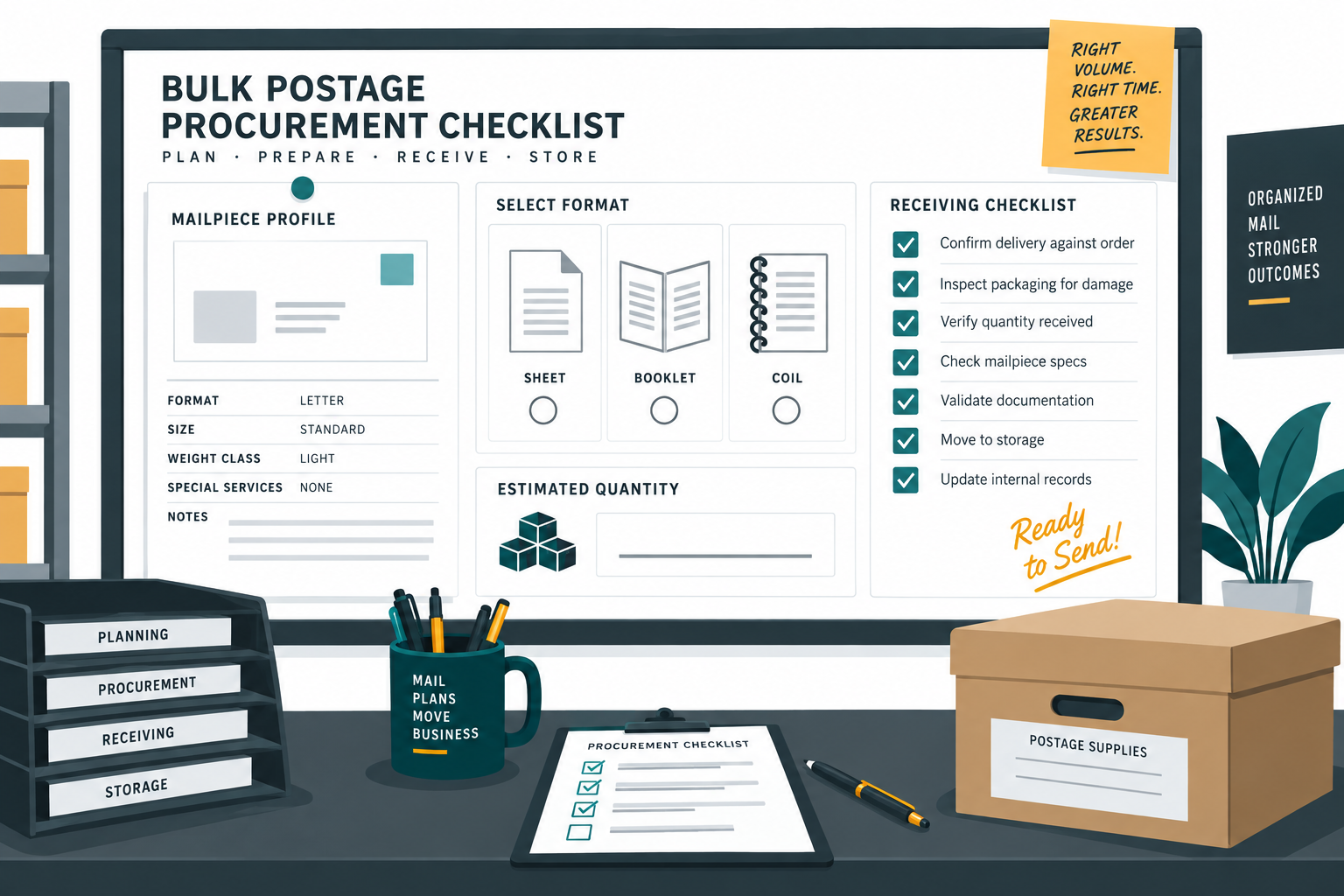
Define the mailing before you count postage
Start with the program, not the stamp format. Name the mailing purpose, audience, expected send window, request owner, and count date. Then record whether the pieces are ordinary letters, larger documents, postcards, parcels, or still unknown.
A recurring invoice mailing and a one-time event invitation can use different inserts, different timing, and different controls even when both fit envelopes. Treating them as one stock request makes it hard to explain why the quantity changed or why a format that worked last month no longer fits.
| Procurement input | Record before ordering | Decision it supports |
|---|---|---|
| Mailing purpose | Program, audience, and send window | Which request and owner should be connected to the order. |
| Piece profile | Finished dimensions, weight, thickness, and flexibility | Which postal and payment path needs confirmation. |
| Count | Dated usable-address or piece estimate | How much stock is needed for the current run. |
| Format | Sheet, booklet, coil, meter, or another approved method | How the office will apply and control postage. |
| Exception plan | Extra pieces, changed inserts, and unknowns | What stays out of the main batch until checked. |
The USPS Business Mail checklist places mail class, mailpiece preparation, address checking, payment method, sorting, and entry in an order. Use that official sequence to frame the procurement request, then confirm the live details for the mailing you are actually preparing.
Separate quantity planning from postage calculation
Quantity answers “how many pieces or units should the office prepare?” Postage calculation answers “what amount is required for this finished mailpiece and service?” They interact, but one cannot replace the other.
For a 1,200-piece letter program, start with the dated usable count and the agreed handling reserve, if the business has one. Then confirm the weight, shape, size, and service for a representative finished piece. If a second insert creates a heavier subgroup, split it into a separate line rather than applying the majority rule to every envelope.
Keep the count state visible. “Estimate,” “approved,” “ordered,” “received,” and “issued to mailing” are different events. A procurement sheet that shows only one number cannot explain where the quantity changed.
Choose the physical format by workflow
Sheets, booklets, and coils can suit different handling routines. A small team preparing occasional correspondence may prefer a format that is easy to count and store. A mailroom with repeatable manual application may value a format that reduces interruptions. The decision should follow the verified mailpiece and the people who will receive, store, count, and use the postage.
Use the dedicated stamp format comparison when the mailpiece is already understood. It should not be used to skip the physical-profile check. If the office is comparing stamps with a meter or PC Postage, review the office postage payment comparison as a separate decision.
Use a quote path when the request is not routine
A routine order can follow a known product, known format, and confirmed quantity. A new program, an unusual mailpiece, a large changing count, or a deadline with open requirements deserves a review or quote path before the office treats a cart estimate as approved spend.
The business postage volume quote page is a planning destination for that handoff. Send the program name, expected quantity, physical-piece profile, desired timing, and open questions together. Do not state a price or availability until the current response has been confirmed.
Reconcile what arrived before it enters stock
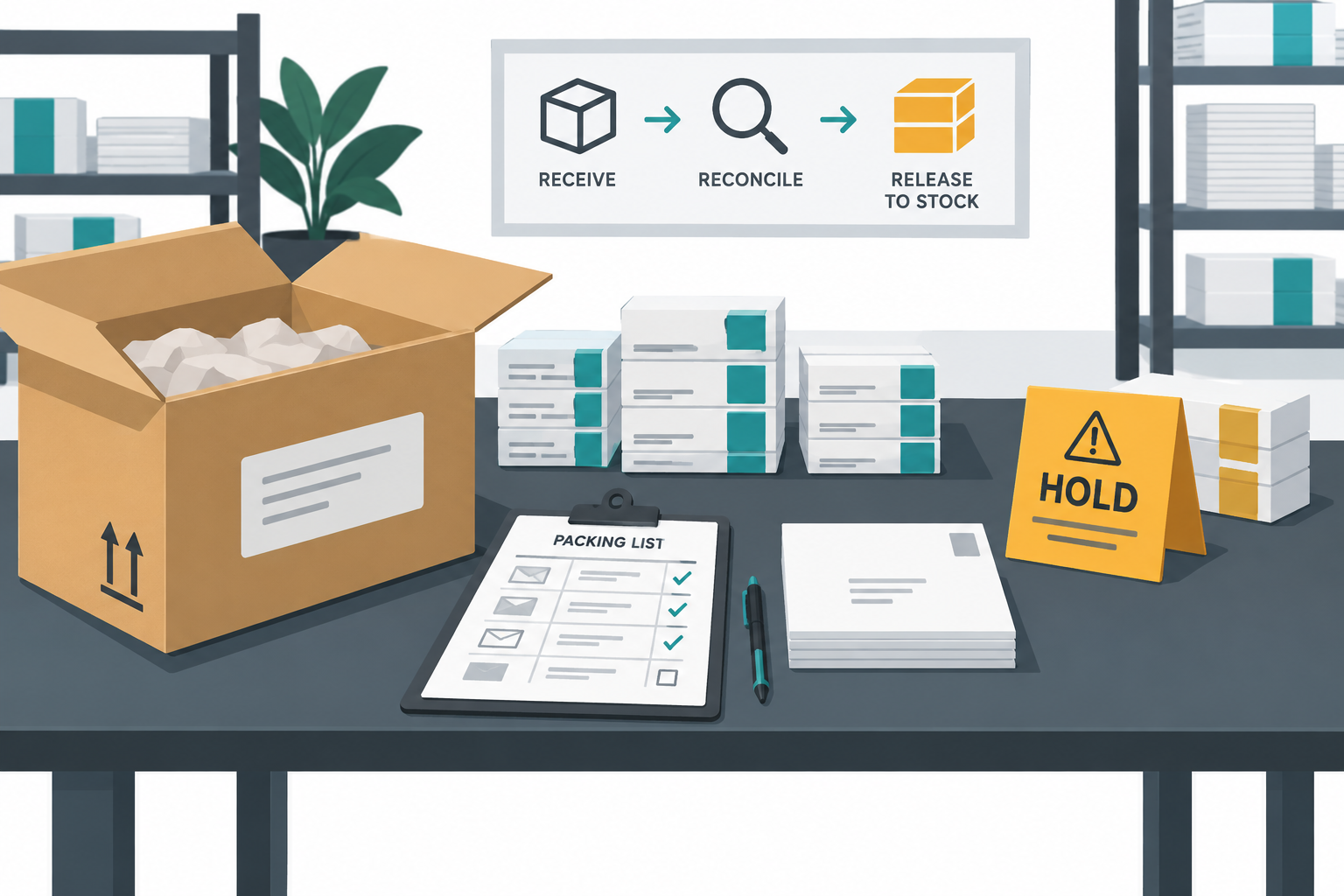
When supplies arrive, compare the delivery with the approved request before placing anything into general storage. Record the date, product description, format, quantity received, visible condition, and the person who checked it. Hold a mismatch until the owner decides whether it is a short shipment, a substitution, a split delivery, or a new request.
For a department with several preparers, issue postage against a mailing program or work order rather than handing out an untracked stack. The postage custody and reorder workflow provides a related control for receipt, issuance, and reorder review.
Release the order with a short checklist
- Name the mailing program, owner, and count date.
- Record the finished piece profile or mark each unknown clearly.
- Reconcile the usable count with the requested quantity.
- Confirm the mail class, service, and payment method from current USPS guidance.
- Choose a physical format that fits the application and storage workflow.
- Separate routine stock from exceptions and changing subgroups.
- Record the approved next step, quote request, or live product review.
- Check the received quantity and condition before issuing supplies.
Do not force a blank into a number simply to release the request. A visible UNKNOWN tells the next owner why the order is held and what evidence will release it. That is more useful than an exact-looking quantity with no source.
Sources: USPS Business Mail 101 checklist, USPS Business Mail 101 at the Post Office, and USPS Business Mail 101 where to go. Recheck current USPS materials before procurement. PostageGrid is an independent retailer and mailing-information resource. This article does not claim USPS affiliation, endorsement, authorization, product availability, pricing, postal eligibility, delivery timing, or a purchasing outcome.